Aadhar card now easily available on WhatsApp: Now a days Aadhar card is a most important documents for Indian citizens. If you ask me can we Download Aadhar card on WhatsApp, Yes you can get your Aadhar card via WhatsApp now by using the official MyGov Helpdesk- DigiLocker flow.
Aadhar card now easily available on WhatsApp:
Aadhar is the most important documents for Indian Citizens. The Government of India has enabled Citizens to get their Aadhar card via WhatsApp on official MyGov Helpdesk Chatbot.
To use the Convinient service Individuals must have the mobile number registered with Aadhar card and an active Digilocker Account to be linked with their Aadhar number. Then save the Official MyGov Helpdesk number +91-9013151515 in your contacts ( Don’t use Random Number for your safety).
Step-by-step process to get your Aadhar on WhatsApp:
- First save the MyGov helpdesk Number +91-9013151515 in your contacts.
- Open “WhatsApp” and start a chat with “Hi” or “Namaste”.
- Then the chatbot will replies with menu option: Choose DigiLocker service or Download Digital Aadhar Card.
- Then confirm your DigiLocker account and Provide your 12 Digit Aadhar Number.
- You will receive An OTP on your registered mobile number, Enter the OTP for verification.
- After Verification The chatbot will reply your Aadhar from DigiLocker with Password protected PDF.
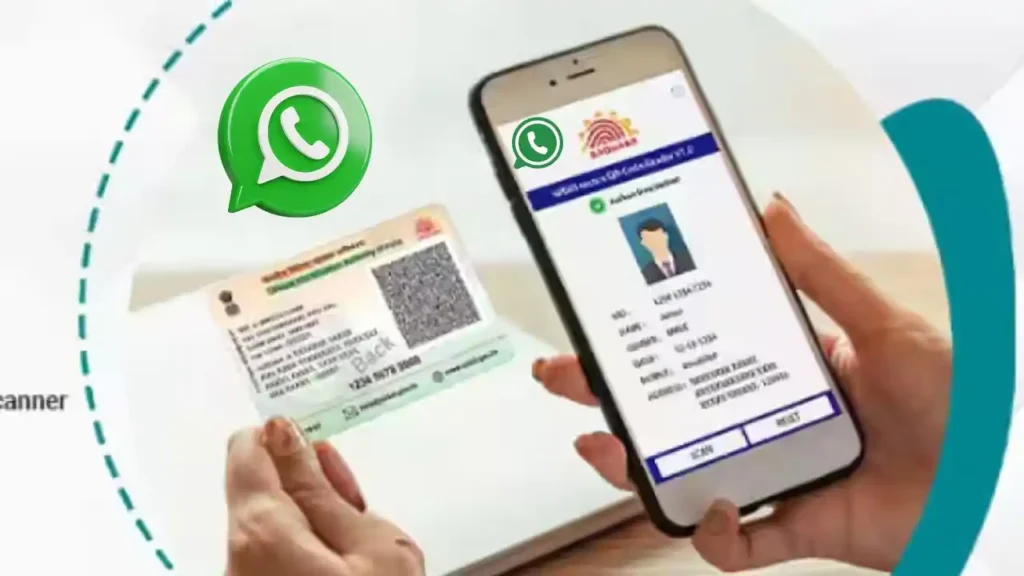
Important Things to Remenber:
- Use only Official MyGov Helpdesk Number +91-9013151515 for download your Aadhar on WhatsApp.
- Only one Document can be downloaded at a time.
- Don’t share The OTP with everyone.
- Aadhar must be linked with DigiLocker account.
Disclaimer:
The information provided here is for general awareness purposes only. We do not represent UIDAI, MyGov, DigiLocker, or WhatsApp. Always use the official MyGov Helpdesk number (+91-9013151515) and official government portals/apps to access your Aadhaar.The website/author will not be responsible for any misuse of information or personal data.
Also Read: https://econews.in/h3n2-virus-affecting-delhi-ncr/