


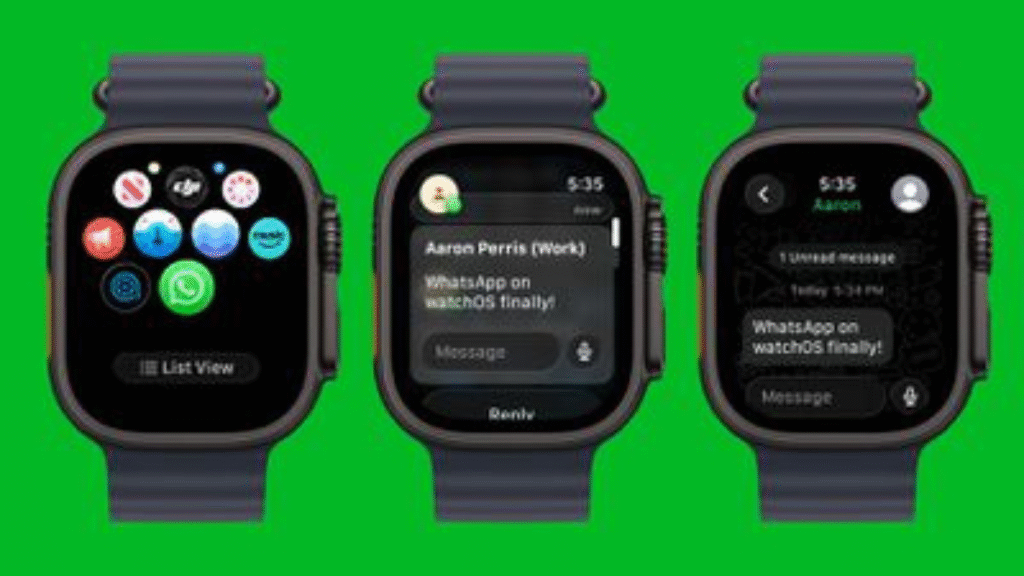
WhatsApp finally launches WhatsApp Debut for Apple Watch, its full-featured Apple Watch app, read and send messages, voice notes, react with emojis, and receive calls directly on your wrist. Compatible with Apple Watch Series 4+ and watchOS 10+.
WhatsApp Debut for Apple Watch:
WhatsApp now offers official support for the Apple Watch, providing a more integrated experience than before. The app is compatible with Apple Watch Series 4 and later models running watchOS 10 or newer. It allows users to read full messages, reply via voice or text, react with emojis, and receive call notifications directly on their wrist.

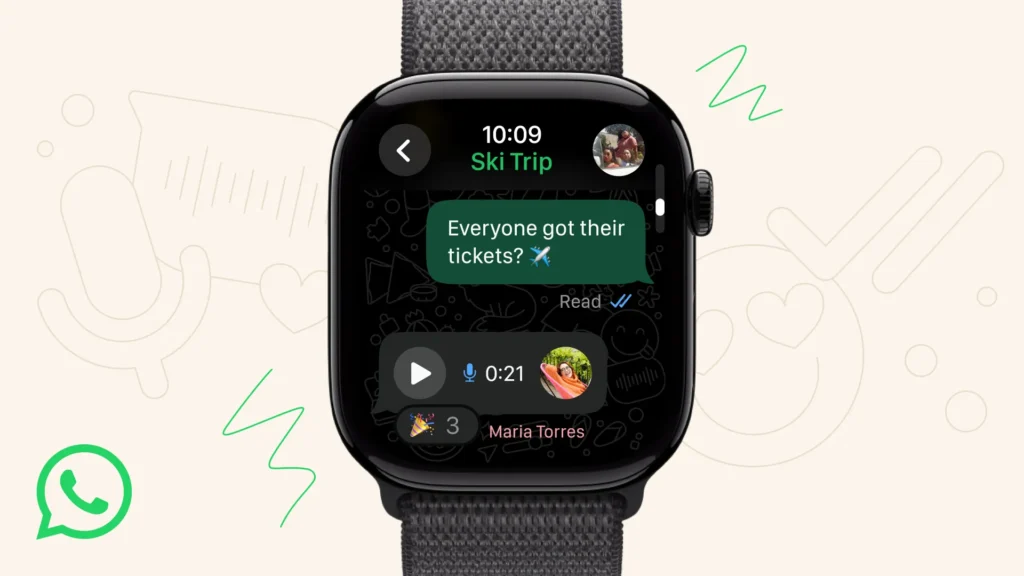
Key Features:
WhatsApp Debut for Apple Watch:
- Reading complete messages, including lengthy texts.
- Call notifications on the watch without needing to pick up the iPhone.
- Responding to messages with voice or typed replies.
- Read full WhatsApp chats.
- Reacting with emojis.
- Notifying of incoming WhatsApp calls.
- Viewing images and stickers within chats.
- View media like stickers and images clearly on the watch display.
Compatibility:
WhatsApp Debut for Apple Watch:
- Apple Watch Series 4 or later.
- Requires watchOS 10 or later.
- The iPhone must have WhatsApp installed and updated; watch app linked via the Watch app.
- Paired iPhone running iOS 9.1 or later
This setup allows users to access WhatsApp messages, send voice notes, react with emojis, and receive call notifications directly on the Apple Watch while keeping messages end-to-end encrypted.
How to Install:
WhatsApp Debut for Apple Watch:
- Make sure WhatsApp is updated on your iPhone.
- Your Apple Watch should be Series 4 or newer, running watchOS 10 or later.
- The app is available on the App Store for Apple Watch, or it may automatically appear if you have automatic updates enabled.
Limited Features:
WhatsApp Debut for Apple Watch:
- You cannot start new WhatsApp calls or view older message history directly on the watch.
- The full WhatsApp experience, including multimedia and detailed chat management, remains primarily on your iPhone.
In summary, WhatsApp’s official app for Apple Watch enhances message management and notifications directly from your wrist, easing everyday communication without needing your phone.
Troubleshooting you can try if it shows Incompatible:
If WhatsApp shows incompatible watchOS or iOS errors, try these troubleshooting steps:
- Update Software: Ensure your iPhone is running the latest iOS version (iOS 9.1 or later for WhatsApp Apple Watch app) and your Apple Watch has the latest watchOS (watchOS 10 or later). Update via Settings > General > Software Update on both devices.
- Update WhatsApp: Make sure WhatsApp is updated to the newest version in the App Store.
- Check Compatibility: Confirm your Apple Watch model is Series 4 or newer, as older models aren’t supported.
- Enable Notifications: On your iPhone, open the Watch app, go to My Watch > Notifications, scroll to “Mirror iPhone Alerts From,” and ensure WhatsApp notifications are enabled.
- Restart devices: Restart both your iPhone and Apple Watch.
- Unpair & Pair: If issues persist, unpair your Apple Watch from your iPhone via the Watch app, reset the watch (Settings > General > Reset), then re-pair and set it up again.
- WhatsApp Permission: On your iPhone, go to Settings > WhatsApp and confirm all necessary permissions are granted.
If these steps don’t work, contact Apple Support or WhatsApp Help as hardware or software-specific issues might be involved.
End—